
Records operations
Document Management Virtual Assistant
Turn scattered folders into a filing and retrieval workflow with consistent names, owners, statuses, and access review cues.
Who this role is for
Give the recurring work a clear owner.
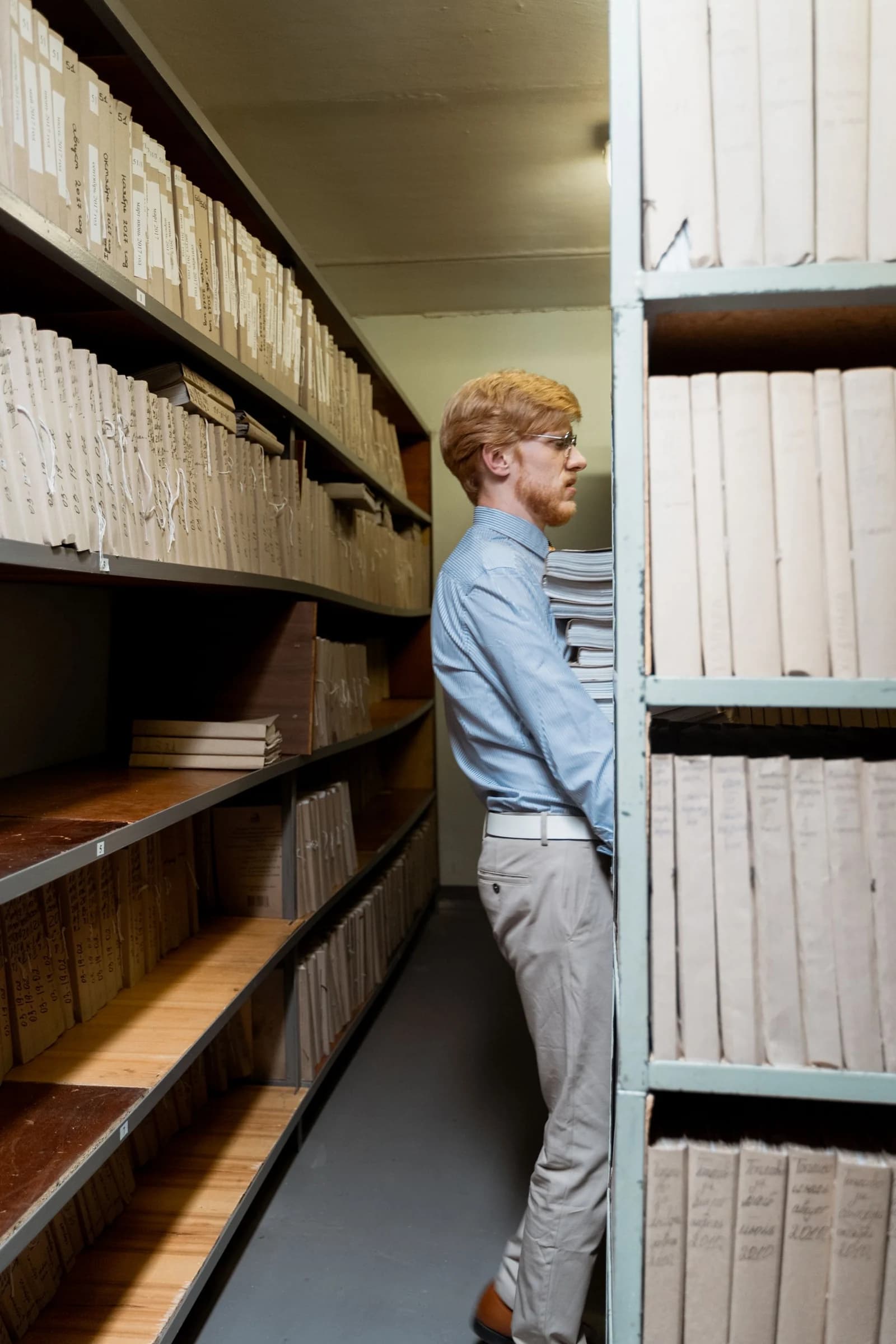
Teams with shared-drive sprawl, inconsistent file names, and slow document retrieval. The role fits an organization that has a retention and access policy but needs someone to apply it consistently across active and archived files.
When filing rules are informal, every search becomes a small project. Duplicate files multiply, old versions stay active, and nobody can tell which document is approved. A document management assistant applies one naming, folder, status, and retention system and keeps the index current.
Recurring work in scope
What the role handles.
- Rename and file approved documents
- Maintain document indexes and status fields
- Track signatures, renewals, and missing files
- Prepare archive and retention review queues
- Document retrieval and access requests
Prepare the handoff
What you provide.
- Retention schedule and access rules
- Folder structure and naming standard
- Document owners and approval status definitions
- Archive and deletion approval process
How the work moves
A repeatable workflow, not a private task list.
Inventory the current library
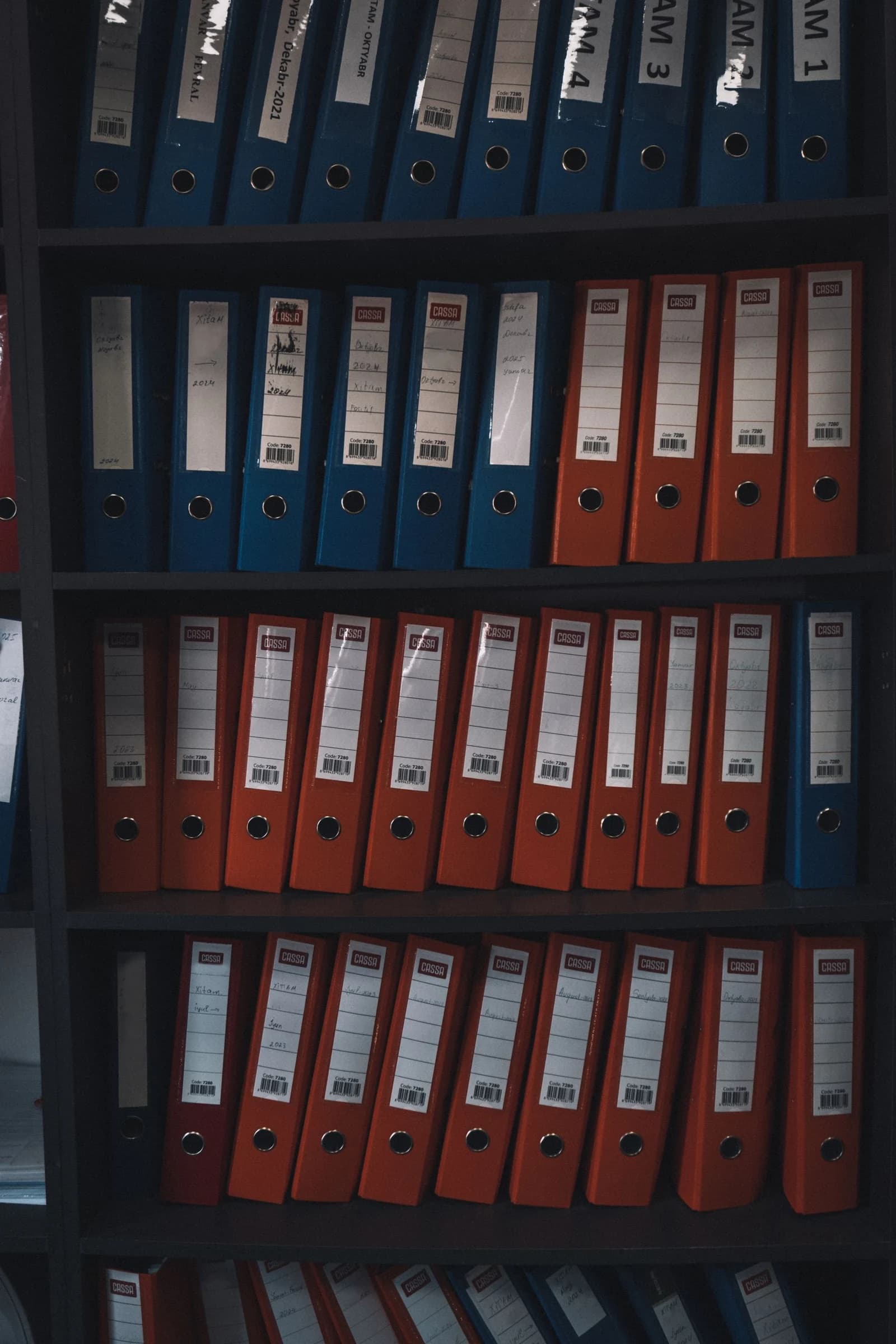
The assistant samples the shared drive, records the document types, duplicates, unclear owners, and missing metadata, and produces a cleanup plan for approval.
Apply the naming and folder standard
Approved files are renamed and filed using the agreed structure. The assistant does not delete or move restricted documents without the designated owner.
Maintain the document index
The index records the document type, owner, status, review date, and location. Missing or expired items become a visible queue.
Prepare archive and access reviews
The assistant assembles retention and access review lists for the owner. Deletion, legal hold, and permission changes remain with authorized reviewers.
What the role produces
Deliverables your reviewer can inspect.
- A current document index with owners and status
- A duplicate and misfiled document queue
- A retention review list
- A retrieval guide for the team
Quality controls
- Naming and folder checks on a sample each week
- No deletion without documented approval
- Access requests routed to the system owner
- Version and approval status visible in the index
An illustrative work sample
A current file with its history intact
An illustrative handoff: two versions of a procedure circulate in separate folders. The assistant compares the metadata and asks the document owner which version is current.
The decision stays with you
The document owner confirms the authoritative version and retention action. The assistant never discards records without that authorization.
- Source
- Shared repository, file register and owner instructions
- Prepared work
- Versions indexed; naming and metadata checked
- Held for review
- Two files claim to be the approved version
- Return to your team
- Version question and proposed folder update
Set up the first working week
- Agree a folder map, naming convention and document owners.
- Review one sample folder before changing a larger collection.
- Set a change log and rules for archived or restricted records.
Review boundary
Preparation moves out. Final authority does not.
Your VA follows your retention and access rules. Legal-hold decisions, deletion approval, retention policy, and access authorization remain with designated owners.
Questions to settle
Document management service questions
Can the assistant delete old files?
Deletion requires the client's retention rule and documented approval. The assistant can prepare the list and evidence, but the designated owner makes the deletion decision.
Can the assistant set folder permissions?
Permission changes should stay with the system owner. The assistant can prepare access review lists and flag accounts that no longer match the approved role.
Does this require a new document platform?
No. The role can work in the client's existing shared drive or document system. A new platform is only useful if the current system cannot support the agreed access and retention rules.
Define the first workflow
Build a focused document management role.
Start with the current queue, the source of truth, the deadline, and the person who keeps final approval.